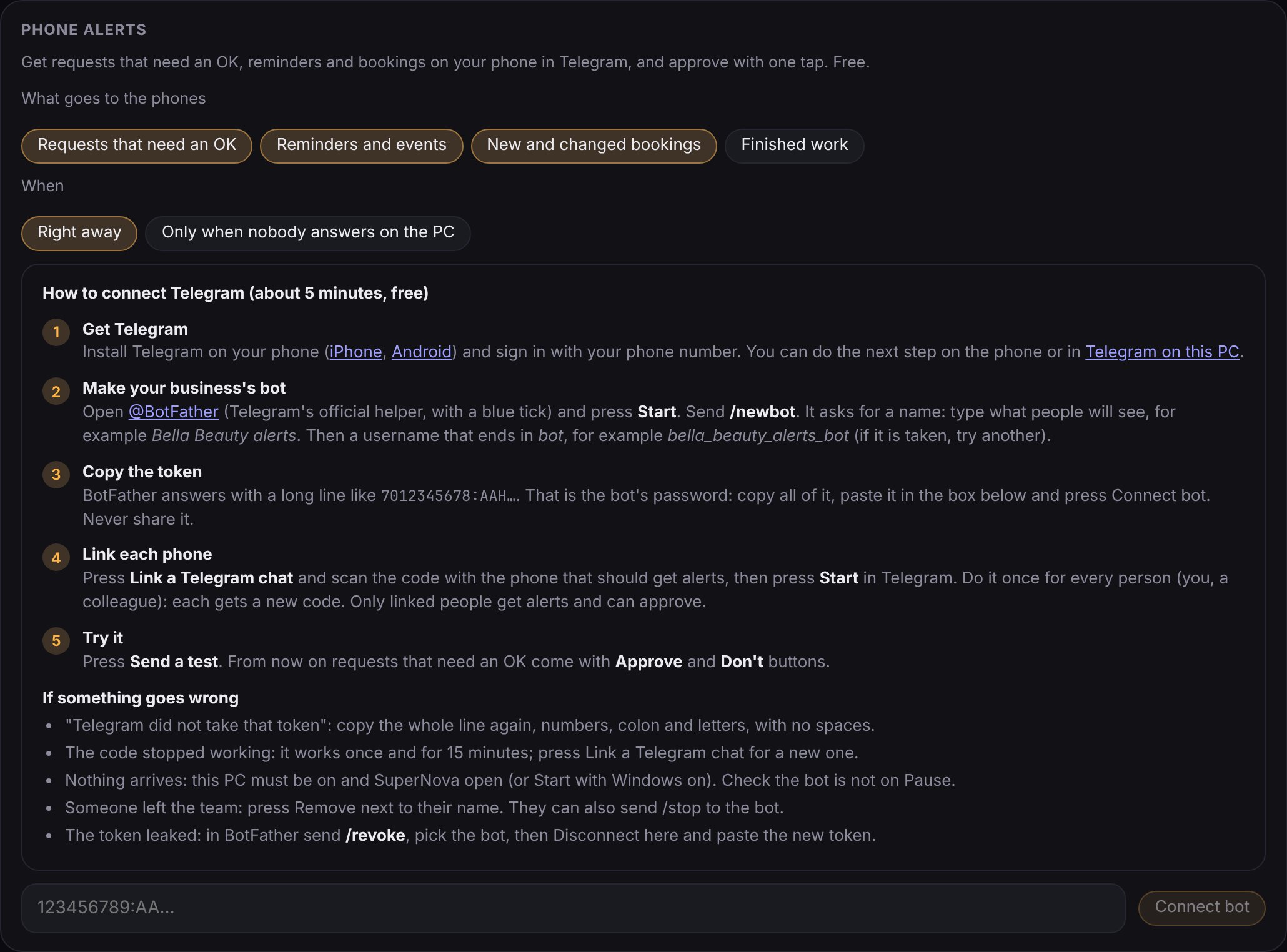
What it does
- Approve and Don't buttons on every request
- Reminders, events and new or changed bookings
- Choose what goes to the phones and when: right away, or only when nobody answers on the PC
- Each person links their phone by scanning a QR code
- Only linked people get alerts and can approve
How to use it
Make your bot
In Telegram, open @BotFather and send /newbot. The step-by-step guide in Settings → Phone alerts walks you through it.
Paste the token
Copy the line BotFather gives you into SuperNova and press Connect bot.
Link each phone
Press Link a Telegram chat, scan the code, press Start. Then Send a test.