What it does
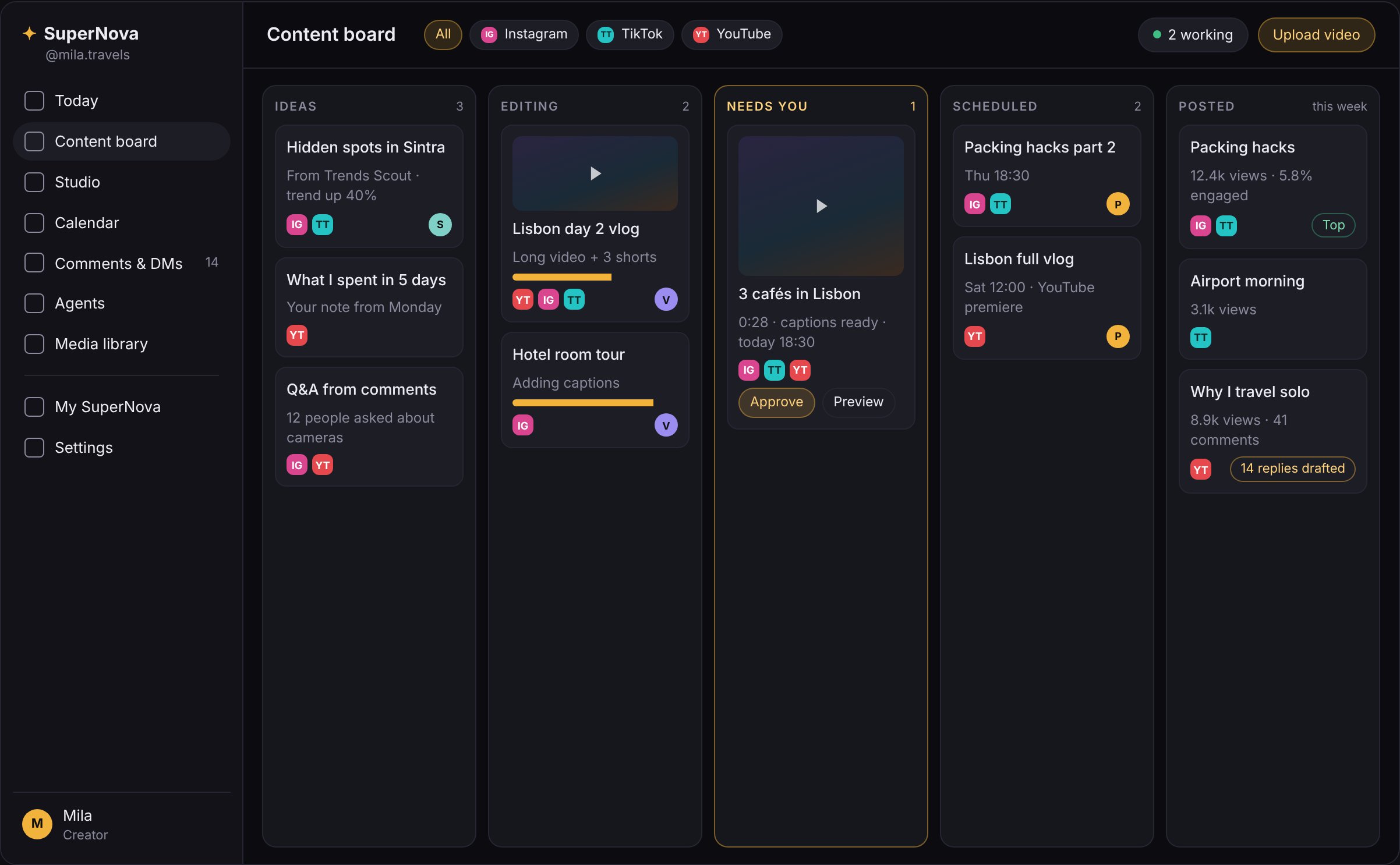
- Ideas · Editing · Needs you · Scheduled · Posted
- Approve or preview right on the card
- Posted videos with views, engagement and drafted replies to comments
- Calendar view for the week and month
- Nothing is posted until you approve, unless you allow it per platform
How to use it
Open Content board
Filter by platform or see all.
Approve what needs you
Press Approve or Preview on the card in Needs you.
Turn ideas into videos
Move an idea to Editing or ask the team to make it.