What it does
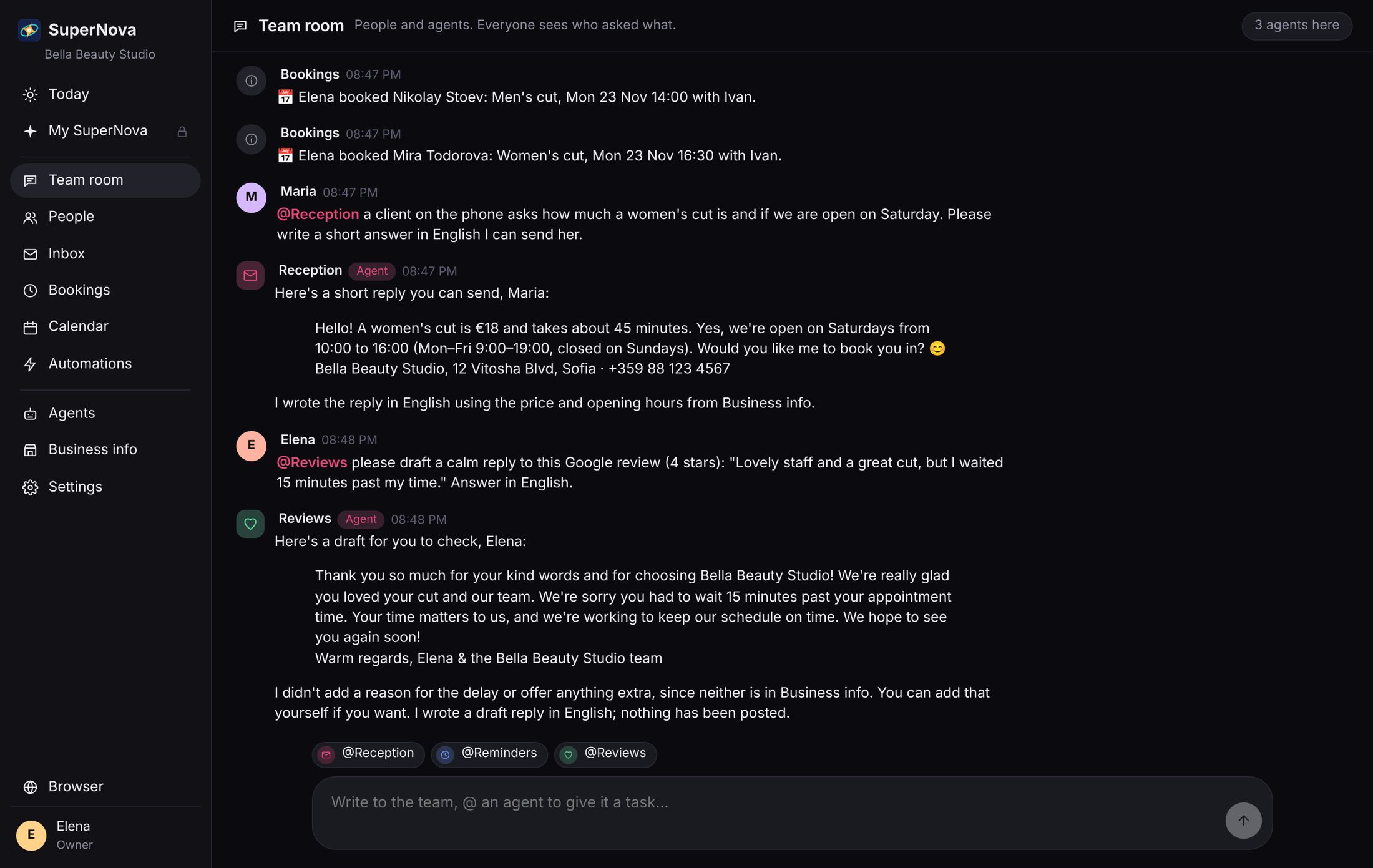
- Every agent knows your prices, hours, services and rules from Business info
- Answers arrive as drafts until you decide an agent can send on its own
- Agents reply to clients in the client's own language
- Bookings, automations and finished jobs are posted here too, so nothing happens out of sight
Coming soon: Staff roles: who may ask which agent
How to use it
Open the Team room
It's in the left menu. You see the staff and every agent that's switched on.
Type @ and pick an agent
The row above the message box lists them: @Reception, @Reviews, @Housekeeping and so on.
Ask in plain words
“A guest in room 2 asks until when breakfast is served. Answer in Bulgarian.”
Check the draft
The agent writes the answer and says what it couldn't find. Send it, change it or ask again.
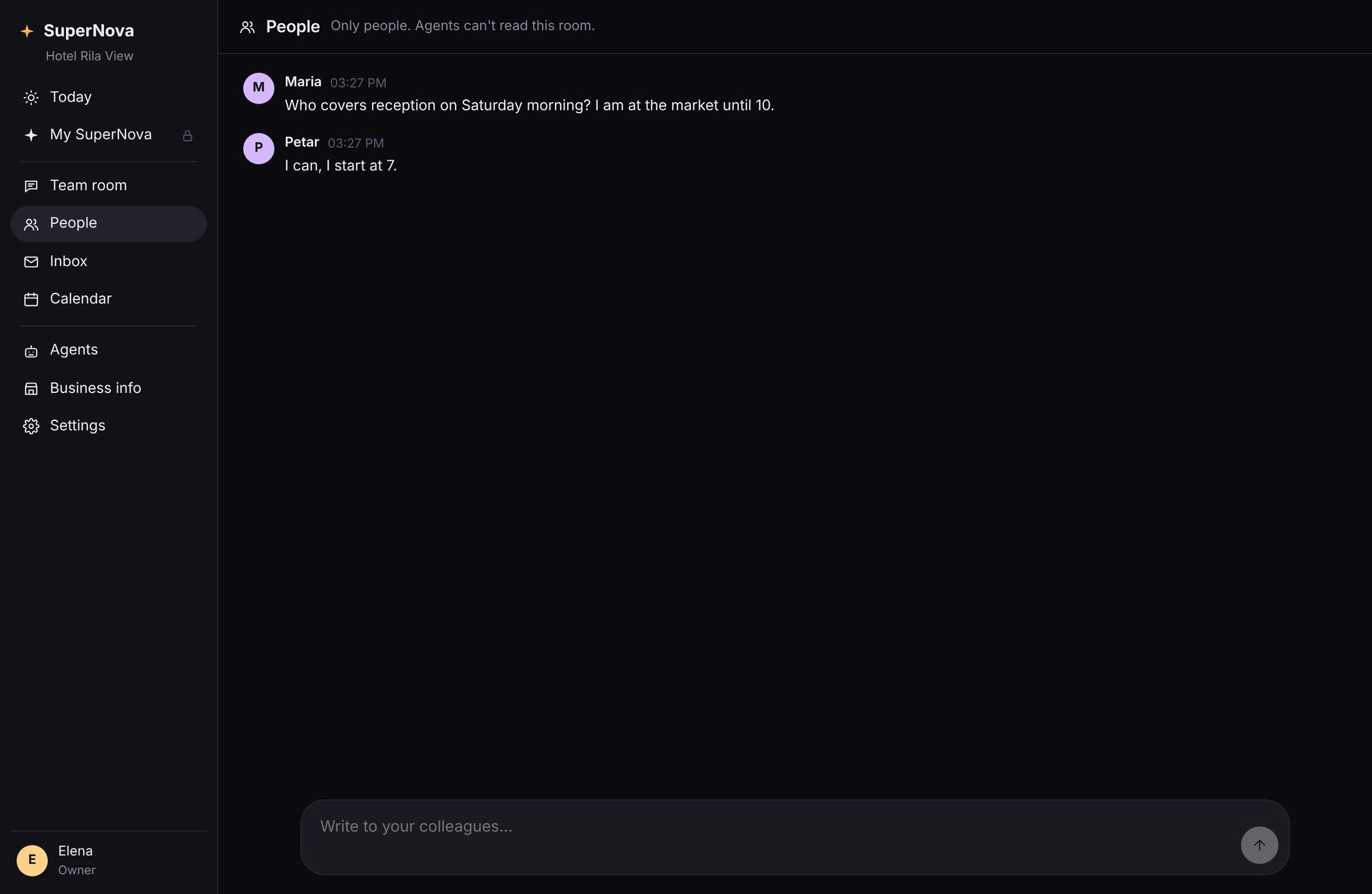
People room, for humans only
A second room just for staff. Agents can't read it, so you can talk freely.