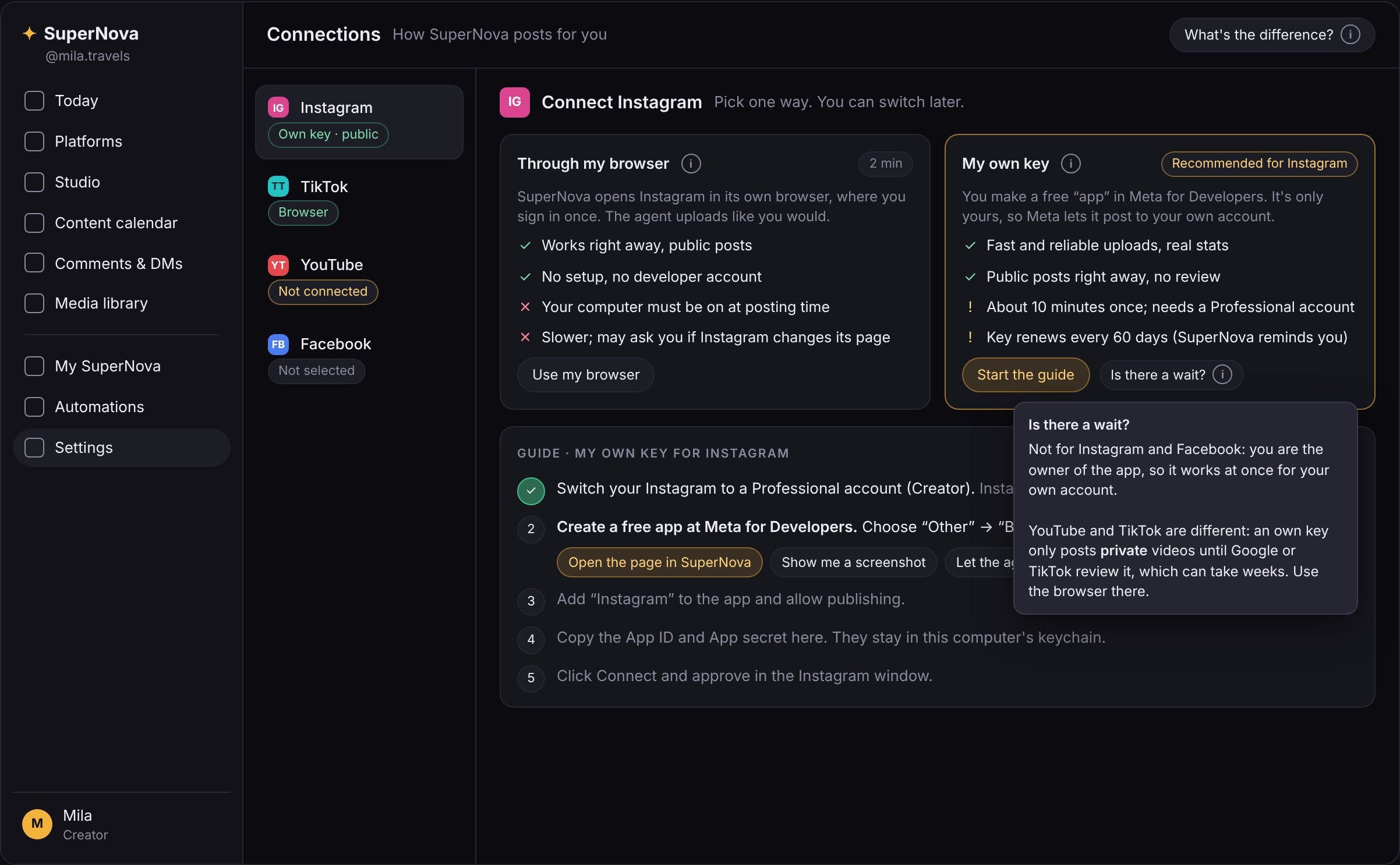
What it does
- Browser: works in two minutes, public posts, no developer account; your computer must be on at posting time
- Own key: fast, reliable uploads and real stats; about 10 minutes once
- Instagram and Facebook with your own key post publicly right away, because you own the app
- YouTube and TikTok with your own key post private videos until Google or TikTok review your app, which can take weeks, so we recommend the browser there
- Keys stay in your computer's keychain; we never see your passwords or keys
How to use it
Open Connections
Each platform shows its status: Own key, Browser or Not connected.
Pick a way
Read the short pros and cons and the (i) notes. The recommended way is marked.
Follow the guide
Open the page in SuperNova, see a screenshot of each step, or let an agent show you where to click.